
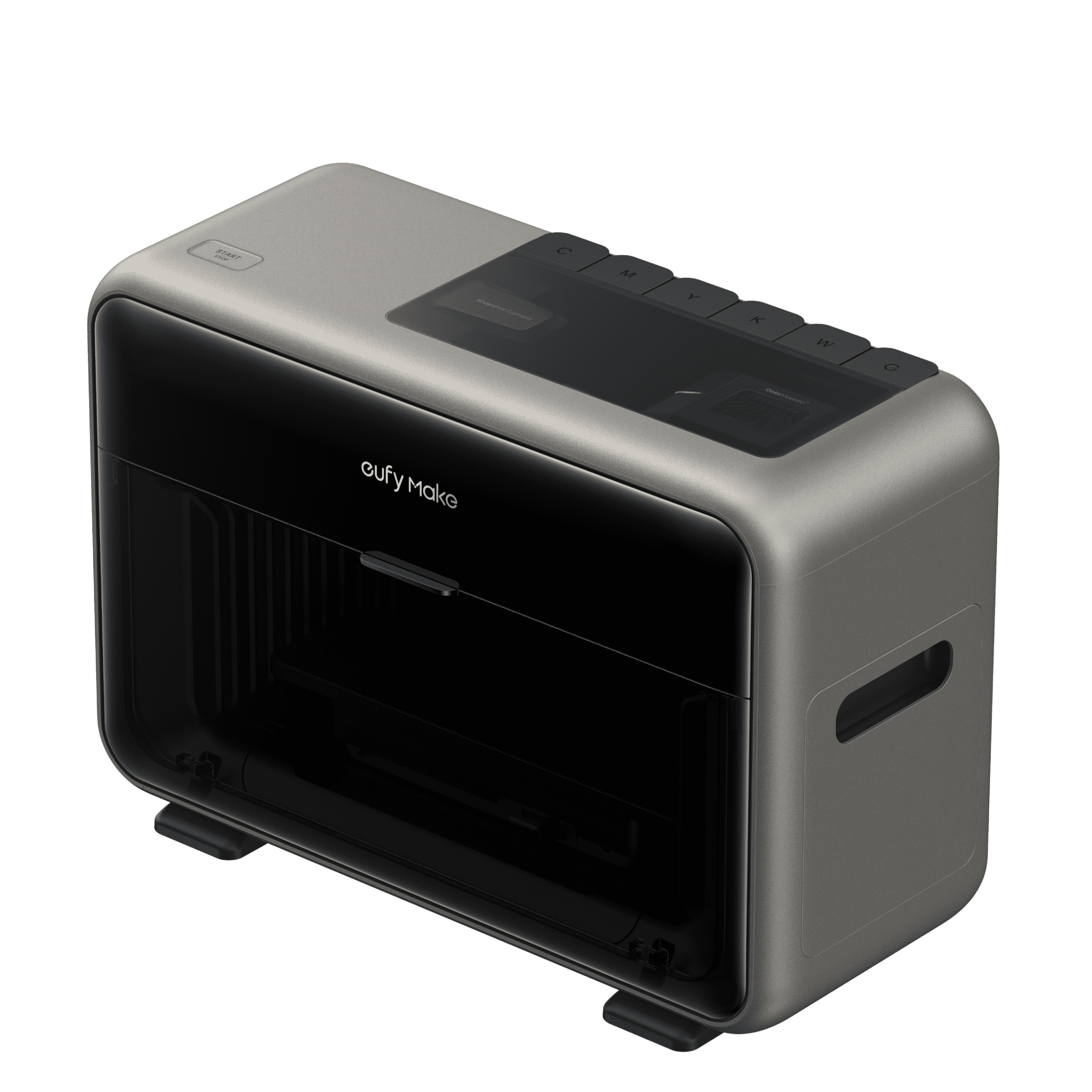
Personalized phone cases are one of the easiest ways to turn everyday tech into something you actually care about—whether it’s your brand, your artwork, or a favorite photo. With a compact UV printer like the eufyMake E1, you can produce durable, full‑color custom cases in your own workspace instead of outsourcing.
In this guide, we’ll walk through how to choose the right case, prep your photo, and print your design using either direct UV printing or UV DTF transfers.
UV Printing vs. Sublimation for Phone Cases
There are two common ways to put images on phone cases: UV printing and sublimation. Both work, but they behave differently.
-
UV printing: Prints directly onto the case (or onto UV DTF film), then cures the ink instantly with UV light. Great for rich color, fine detail, and even raised texture.
-
Sublimation: Uses heat and pressure to transfer dye into specially coated blanks. It’s efficient for certain blanks but requires dedicated sublimation equipment and films.
If you already own a sublimation system, you can absolutely use it for cases, but if you’re starting fresh, UV printing is usually more intuitive and more flexible across different materials.
Method 1: Printing Phone Cases with a UV Printer
Step 1: Choose the Right Case

Not every case is a good candidate for UV ink. The material and surface finish matter more than the brand name.
Look for:
-
Semi‑rigid cases with a slightly textured or matte surface
-
Hard plastic (PC/ABS) or coated rubber cases that aren’t overly flexible
-
Surfaces that feel more “grippy” than slick
Avoid:
-
Very soft, stretchy silicone or TPU cases unless you pair them with a suitable primer and flexible UV ink
-
Extremely glossy, slippery finishes that are hard for ink to grab without special prep
If you want a flexible case, use UV inks designed for flexible substrates; flexible white ink helps the print bend without cracking.
Step 2: Prepare Your Photo

Good input = good output. Before you go to the printer:
-
Pick a sharp, high‑resolution image so you don’t see pixelation on the case.
-
Avoid heavily compressed screenshots or images with visible watermarks.
-
Make sure you have the rights to use the artwork, especially if you plan to sell the cases.
You can import your photo into the eufyMake software from a computer or mobile device, then position and scale it to match your specific case. The workflow is designed to be simple enough for beginners while still offering precise control for production work.

Step 3: Print Directly or Use UV DTF Film
With a UV printer like the eufyMake E1, you can either print directly on the case or print to UV DTF film and then transfer the design.
Direct UV printing:
-
Place your case on the printer bed and align it using markers or a live camera snapshot.
-
Position your photo in software to match the physical case.
-
Choose Standard or High Quality, add texture if you want raised effects, and start printing.
UV DTF transfer:
-
Print your design onto UV DTF film instead of directly onto the case.
-
Laminate/prepare the film as required.
-
Apply the decal to the case and peel the film, leaving your design securely bonded.
UV DTF is handy when you want to print on trickier materials or keep your printer setup simple while still getting durable, full‑color results.
Once your print or transfer is done, you’ve got a custom case ready for gifting, selling, or just matching your mood and seasonal themes.
Check out this video to get a better idea of the process.
https://youtu.be/UYqujAUxc08
Method 2: Printing Phone Cases with Sublimation
If you already have a sublimation setup, you can also use it for cases. The basic workflow is:
-
Print your design onto sublimation paper or film using sublimation ink.
-
Place a compatible sublimation phone‑case blank into your press or vacuum sublimation unit.
-
Align the transfer to the blank, then run the cycle with the correct time, temperature, and pressure.
-
Remove the film and let the case cool.
Sublimation tends to work best with specific coated blanks and gives an “in‑the‑surface” look instead of a raised print. It’s a strong option if you already run a sublimation business and want to add phone cases to your catalog.
Tips for Better Phone‑Case Prints

Whether you choose UV or sublimation, these fundamentals will improve your results:
-
Use high‑resolution, non‑copyright‑infringing artwork.
-
Keep your printer maintained: clean nozzles, dust‑free work area, and fresh inks.
-
Test adhesion and durability on each new case material before moving to production.
-
For UV on flexible materials, combine proper surface prep (primers) with flexible inks where possible.
Why a Personal UV Printer Is Ideal for Custom Cases

A machine like the eufyMake E1 3D‑Texture UV Printer brings what used to be industrial‑only capability to the desktop:
-
Prints on 300+ materials including hard cases, metal, wood, acrylic, and more
-
Supports full‑color CMYK + white + gloss, plus raised textures up to several millimeters
-
Offers smart alignment tools (camera and lasers) to make case positioning repeatable and fast
For small studios, online shops, and maker spaces, that means you can produce short runs of premium custom cases in‑house instead of relying on third‑party fulfillment.


