
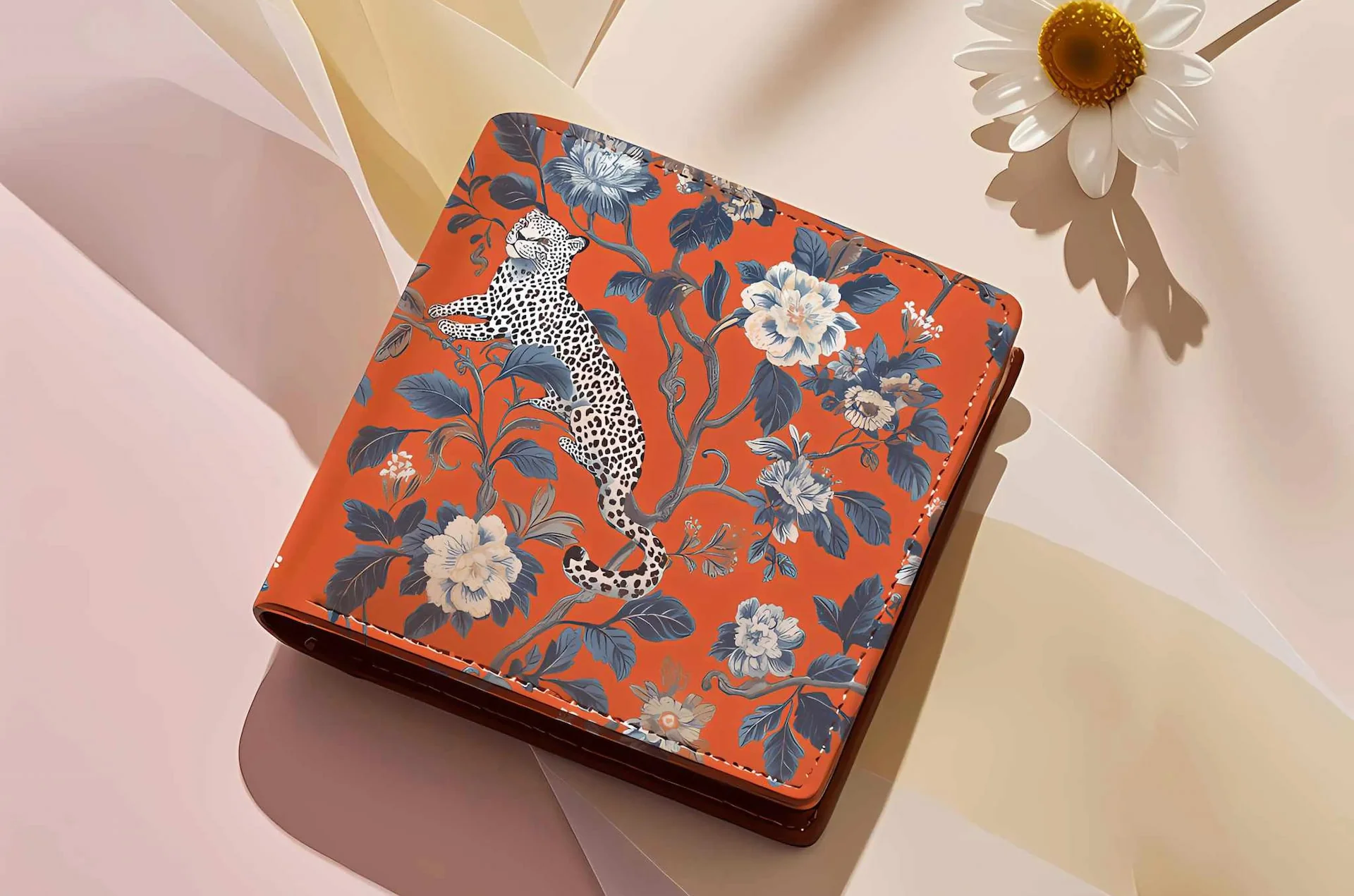
eufyMake E1: the First Personal 3D-Texture UV Printer

Now $2,299 at InnoAddi.com (save $200!) + free 12-month MIR Plus & business guide. Prints vibrant 1440 DPI designs with 5mm textures on leather wallets, phone cases, bags + 300+ materials.
Customize leather goods with photos, logos, or artwork using UV printing—no special skills needed. Create branded accessories, personalized gifts, or Etsy-ready products from your desk.
Leather Printing Process
Choose smooth vegetable-tanned leather, clean with alcohol, design in CMYK at 300 DPI, align via eufyMake E1 snapshot camera, print with flexible UV inks (White > CMYK), cure, and seal.
Step-by-Step: UV Print on Leather Wallets & Cases
Step 1: Select Print-Friendly Leather
Vegetable-tanned (smooth, firm) works best for direct UV printing. Chrome-tanned needs flexible inks. PU/synthetic leather excels with UV DTF transfers. Avoid suede, waxed, or oily types—they resist ink adhesion.
Step 2: Clean Surface Thoroughly
Wipe leather with isopropyl alcohol on lint-free cloth to remove oils/dust. Let dry completely (critical step). Weight down edges if curling to prevent movement during print.
Step 3: Printer Setup
Load eufyMake E1 with flexible white ink cartridges. Adjust print head height for leather thickness (auto-detect available). Calibrate Snapshot camera for precise positioning on A3 bed (13x16.5"). Test print on scrap.
Step 4: Design & Import
Create in Canva/Tinkercad/eufyMake Studio: logos, text, patterns. Use CMYK, 300 DPI, PNG export. Resize/rotate to fit wallet/phone case. Add white base layer for dark leather.
Step 5: Position & Print
Secure flat leather on sticky mat with tape/jig. Snapshot aligns design perfectly. Select "Flat Raised" mode for textured effects (up to 5mm embossed logos). Print White > CMYK (3-4 white layers).
Step 6: Cure & Finish

UV lamps cure instantly. Add UV lamp post-exposure + leather sealant for flex durability. Let sit 24hrs. Avoid sun fading—use conditioner.
UV DTF for Curved/Textured Leather
Print design to UV DTF AB film, laminate, peel A-film, burnish onto leather, peel B-film. Ideal for wallets with folds, curved bags, cylindrical cases.
Troubleshooting Leather Prints
Why eufyMake E1 from InnoAddi for Leather?
-
Amass3D™ Textures: 5mm raised effects for premium leather covers.
-
Local Stock: Fast shipping, 3% rewards, bulk quotes for makers.
-
Bundles: Add $299 ink kit (CMYK+W+G + cleaner). 30-day returns.
Buy eufyMake E1 Now – Perfect for custom leather merch + ceramics, wood, metal.
FAQs
Best leather types? Vegetable-tanned or PU. Avoid suede/oily.
Will prints crack? Use flexible inks + sealant on rigid pieces.
UV damage leather? Printer UV is safe; protect from sunlight.
Start with leather patches or tags. Contact InnoAddi for demos/training.


