


Introduction
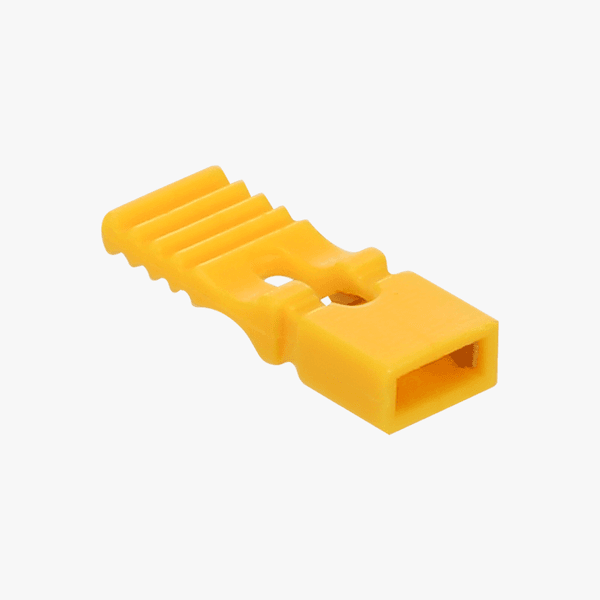
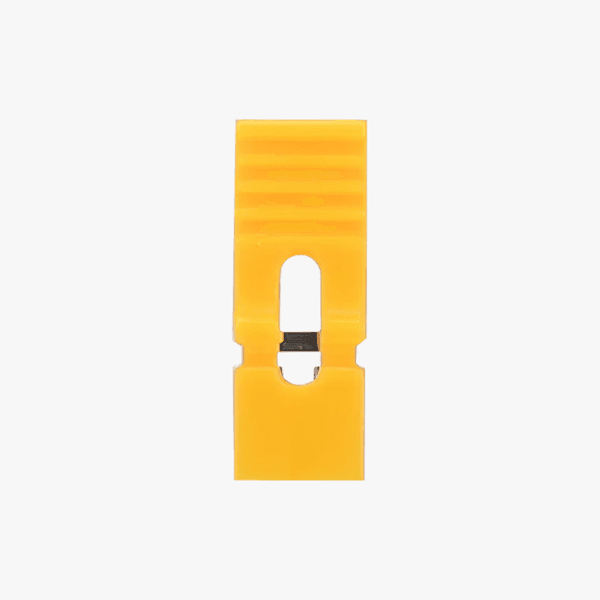
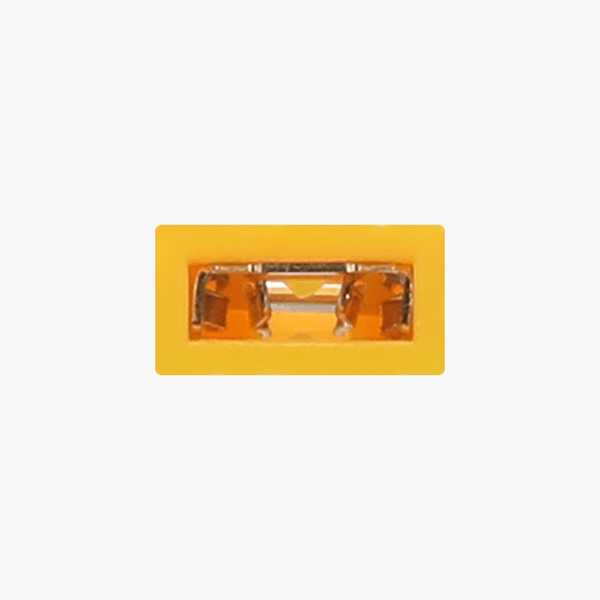
This Jumper Shunt is a specialized reset tool designed for the CyberBrick programmable hardware core board. It consists of a plastic cap containing an internal metal conductor, which enables hardware-level system recovery and debugging by physically short-circuiting specific pins on the core board. It serves as an essential accessory for in-depth device maintenance and troubleshooting.
Application: Manually restore the core board to factory settings
1. Remove the multi-function core board from the expansion shield.
2. Place the Jumper Shunt over Pin 1 and Pin 2 on the multi-function core board.
3. Plug the Type-C cable into the multi-function core board and a power supply.
4. Wait for 5 seconds until the LED indicator on the multi-function core board flashes purple, which means the restore is complete.
5. Open the CyberBrick mobile app or the desktop app, reconnect your device, and upload your project.
Important Notices
- The Jumper Shunt is to be used only when resetting the core board. After resetting, be sure to remove the Jumper Shunt and store it properly.
- Keep the device out of reach of children to prevent choking hazards.

Easy-Grip Jumper Shunt


