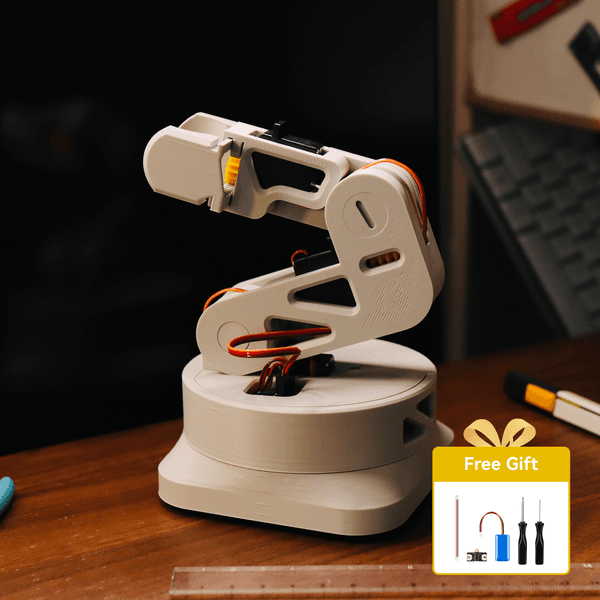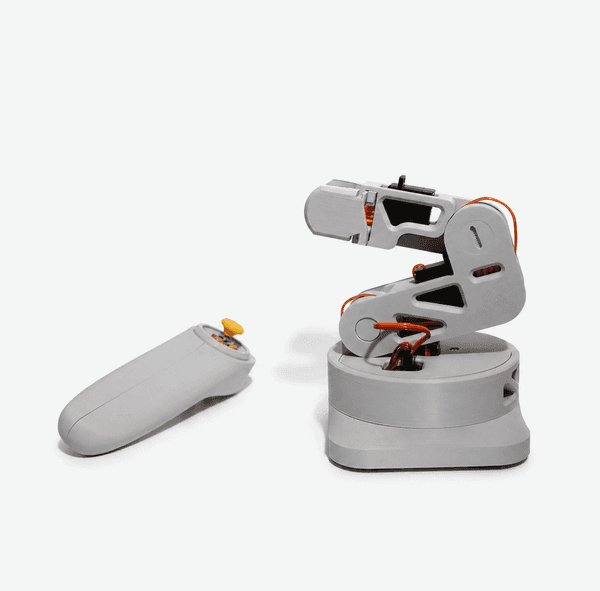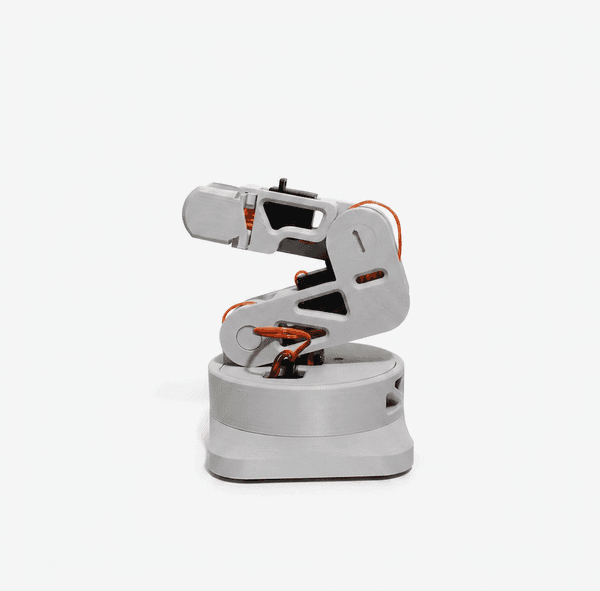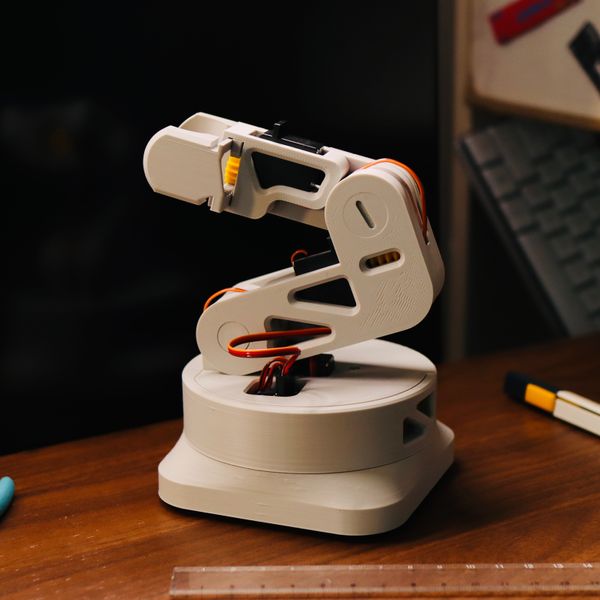
L-ONE Desktop Robotic Arm - CyberBrick RC


Product Features

Do you need a remote control?: Yes - Remote Included
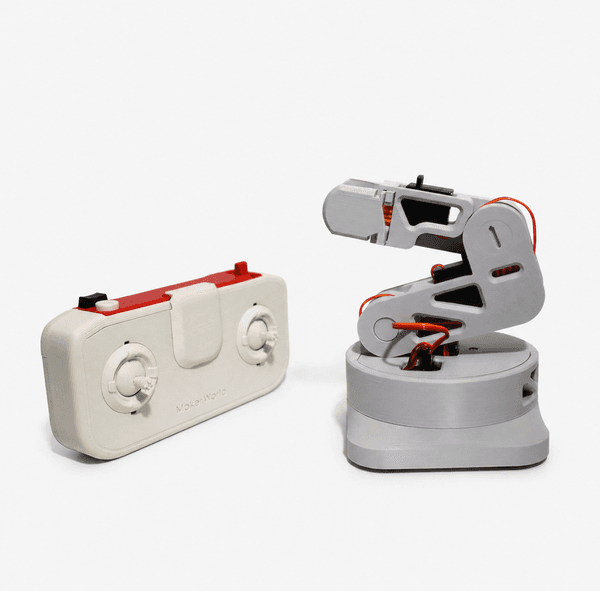
Item: L-ONE Desktop Robotic Arm - Remote control included - ZL023
Price:
Sale price$55.99
Overview

Experience the CyberBrick RC L-ONE Desktop Robotic Arm

Build your own functional robotic arm with the L-ONE. This 3D printable marvel brings industrial vibe to your desktop, offering a hands-on experience in robotics and engineering. It's designed for enthusiasts and makers, combining intricate mechanics with accessible assembly. Get ready to explore the world of remote-controlled precision.

Download Models on MakerWorld ↗
14h
Print Time
per car
218g
Filament
per car
3/5
Skill Level
Advanced
14+
Age Range
years


Quick Assembly, Ready to Act

Putting the L-ONE together is straightforward. Follow the clear steps and watch your robotic arm take shape, moving from parts to a fully functional unit in no time. It's designed for a smooth build experience, letting you get to the fun part faster.


Intuitive Control at Your Fingertips

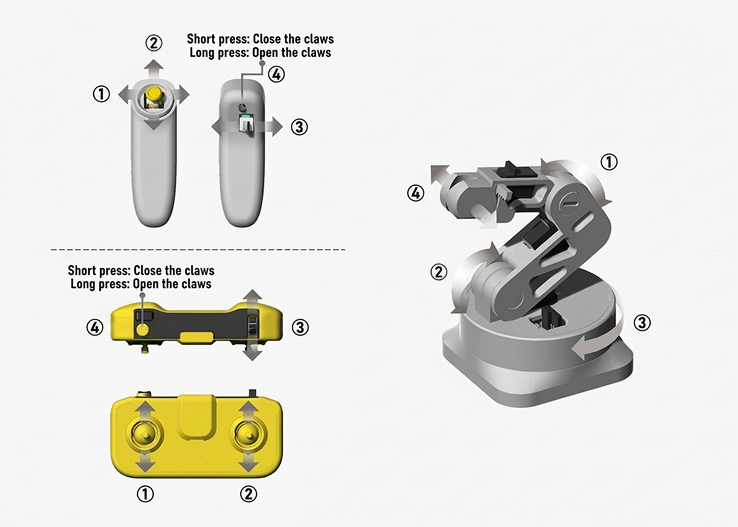
Four dedicated joysticks and buttons put you in complete command of the L-ONE. Guide the arm with natural, fluid movements, making complex tasks feel intuitive. Pick up, place, and manipulate objects with impressive accuracy from your very first try.


Precision in Every Movement

Watch the L-ONE execute tasks with impressive agility. Its joints move smoothly, allowing for delicate maneuvers and accurate positioning. Each axis responds precisely, making it capable of handling a variety of small objects with confidence.


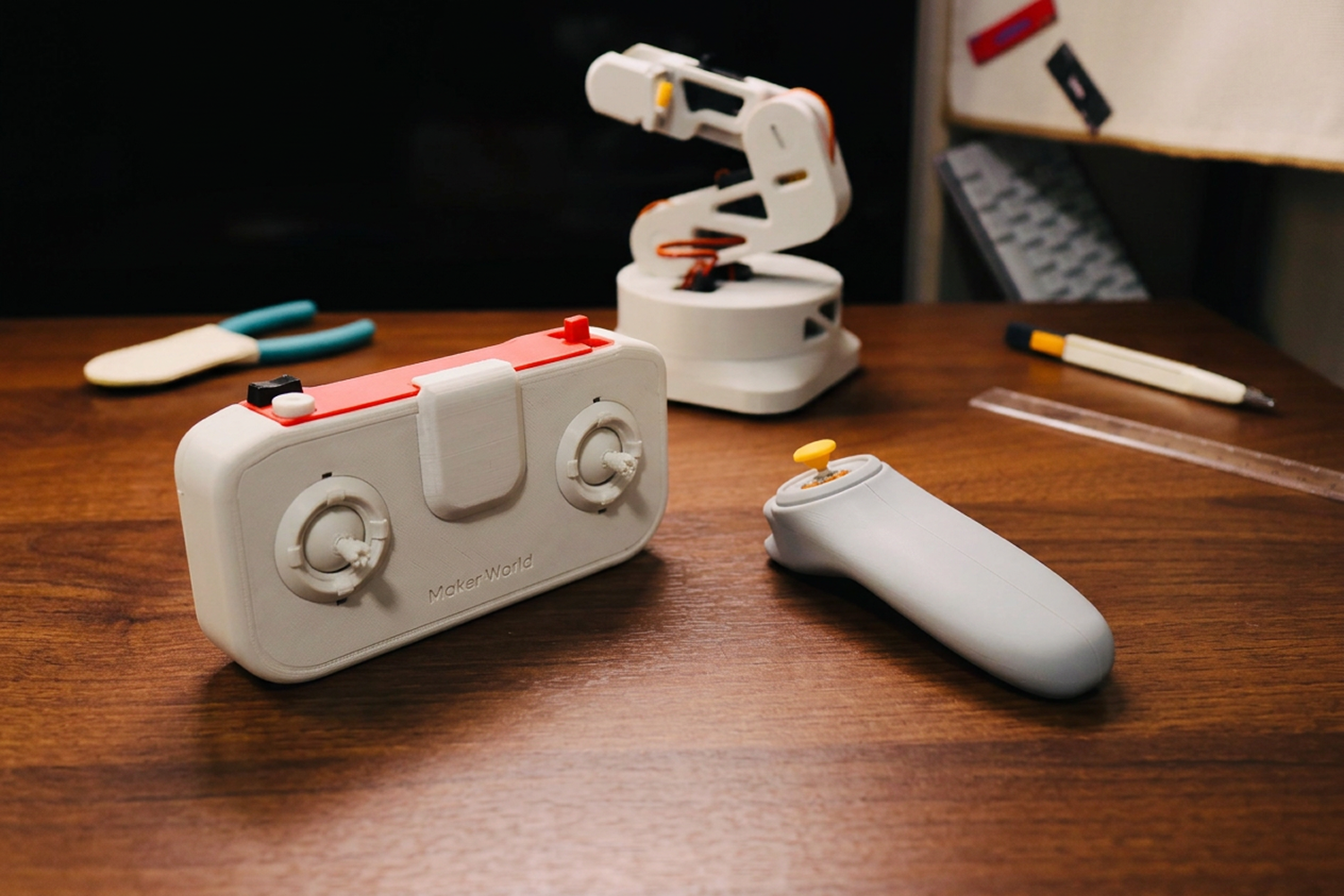
Choose from two remote controls

Pick the remote that fits your style. Whether you prefer a classic joystick feel for precise movements or a more lightweight option, you've got choices. Control the L-ONE exactly how you like it.


Remote Control Instruction

The Desktop Robotic Arm is designed to work with the CyberBrick Remote. The pre-configured settings have been uploaded for immediate play,

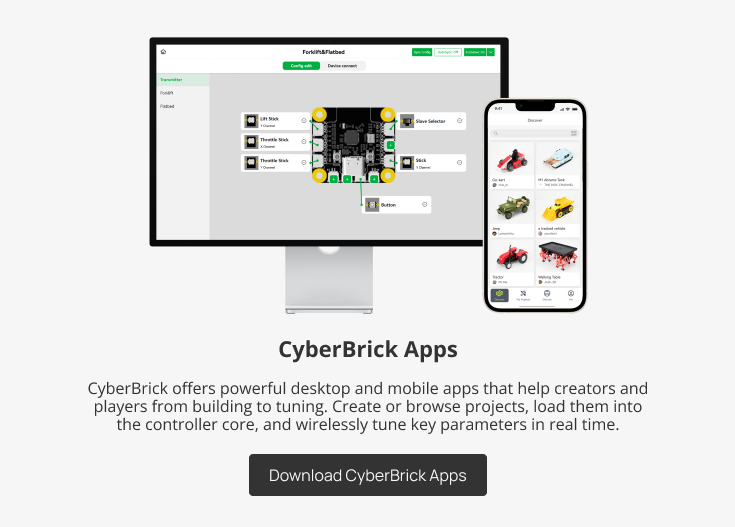
while the CyberBrick App allows full customization of controller functions to match your personal preferences.

* Please visit the CyberBrick Official Standard Remote on Makerworld for more details.

Explore the Product Wiki & Documentation
Need in-depth assembly guides, troubleshooting, or technical details for this product?
Visit our official Wiki to discover comprehensive resources and answers to all your questions.

CyberBrick App Connection Tutorial

*The following is the App connection of CyberBrick Official SoccerBot as an example, which is similar to this model.


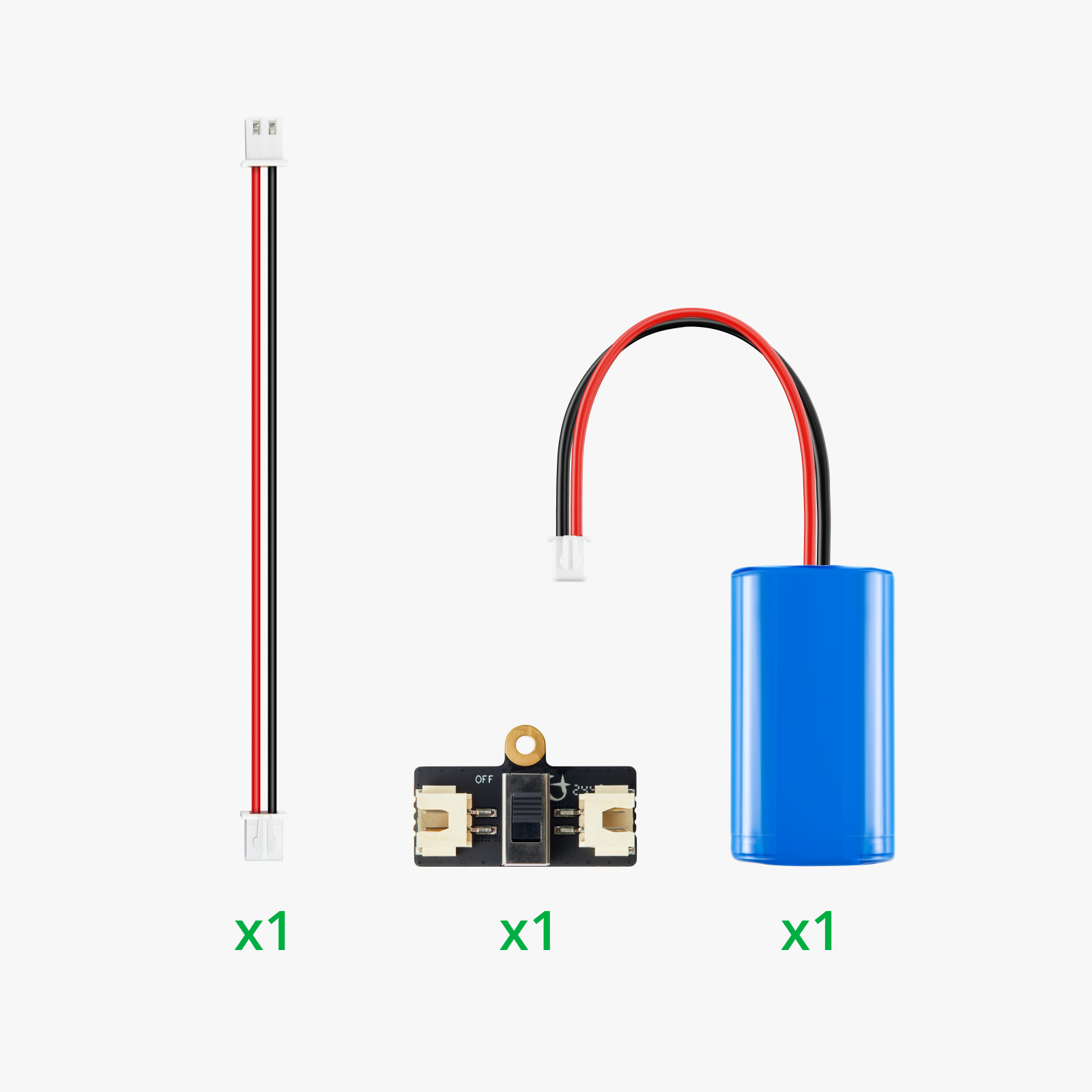
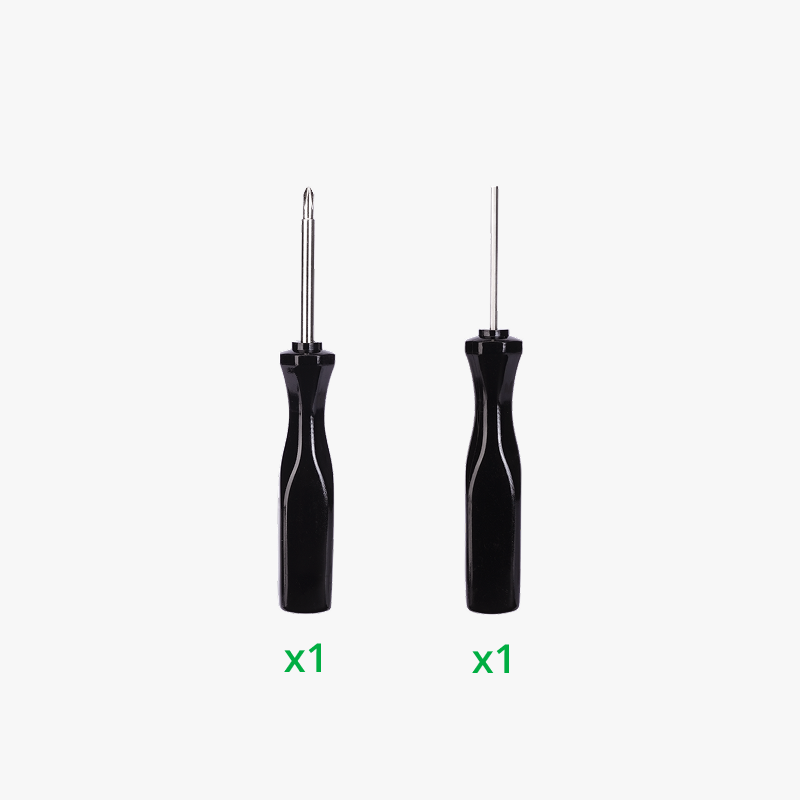
In The Box

Documentation

User’s Manual
Assembly Guide
Step-by-step instructions for a correct and safe installation.
Application Instruction
RC Framework
Link and configure your remote control and vehicle, open with CyberBrick Apps.

Important Notices

Core Safety Rules

  • This product is intended for users aged 14 and above. Users under the age of 14 must be under direct adult supervision throughout use.
  • DO NOT touch the moving parts while the device is operating to prevent pinching injuries.
  • Please use only official tools for any firmware operations. Flashing with third-party tools is not supported and may cause irreversible damage, which is not covered by warranty.
  • Before use, inspect all 3D-printed parts and sand down any sharp edges or burrs if present. Store the model and small parts in a location out of reach of children and pets to prevent choking hazards.

Warning of Lithium Battery

  • This product utilizes a replaceable rechargeable lithium battery.
  • Adult supervision is required when children are handling batteries or the charger. Do not operate the product while it is charging.
  • Ensure the battery is installed correctly. Improper installation may result in short circuits, overheating, or potential explosion.
  • Regularly inspect the charger’s cord, plug, housing, and other components for damage. If any damage is found, discontinue use immediately until the device is fully repaired.
  • Choking Hazard: Contains small parts; not suitable for children under 3 years of age.
  • Improper disposal of this product may harm the environment - please recycle responsibly.

Charging Precautions

  • Use only the officially supplied charger. The charger is not a toy.
  • The USB charger for this product only supports standard 5V 1-2A input. Please always use the original charger that meets the voltage/current requirements, or charge directly via a computer USB port. DO NOT use chargers with output higher than 5V or 2A (such as mobile fast chargers, 9V/12V adapters, etc.), as this may cause device damage, overheating, or even serious fire hazards.
  • DO NOT cover the device while charging, and keep it away from high temperature, humidity, or flammable environments. Never charge the device unattended.
  • DO NOT charge the battery pack if it is overheating. Allow it to cool down completely before recharging.
  • If the battery pack or charger becomes wet, ensure they are thoroughly dry before attempting to charge.

Lithium Battery Safety Precautions

  • DO NOT attempt to use or charge the battery pack if it shows any signs of leakage or corrosion.
  • DO NOT disassemble, crush, or mechanically abuse the battery pack.
  • DO NOT dispose of the battery pack in fire.
  • Exercise extreme caution when handling an overheated battery pack.
L-ONE Desktop Robotic Arm - CyberBrick RC

L-ONE Desktop Robotic Arm - CyberBrick RC

$55.99
Yes - Remote Included / L-ONE Desktop Robotic Arm - Remote control included - ZL023 - $55.99 (Sold Out)
Yes - Remote Included / L-ONE Desktop Robotic Arm - Remote control included - ZL023 $55.99 Sold Out
No - Robotic Arm Only / L-ONE Robotic Arm - Remote control not included - ZL023 - 1 $32.99 Sold Out

You may also like

Recently viewed