

Assembly Guide
Step-by-step instructions for a correct and safe installation.
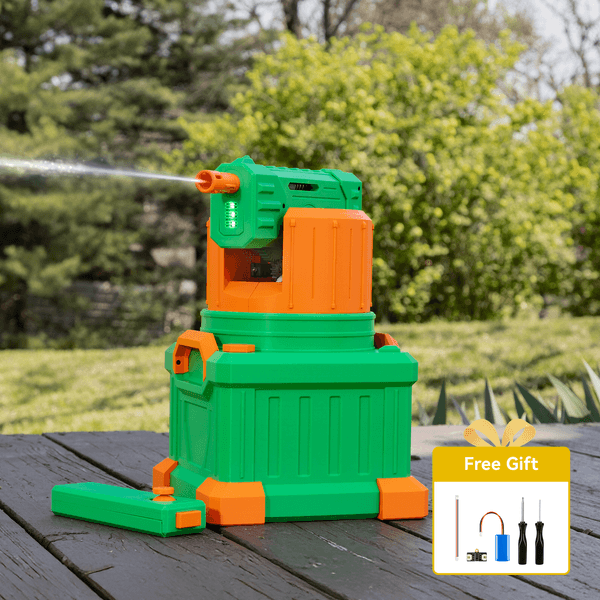
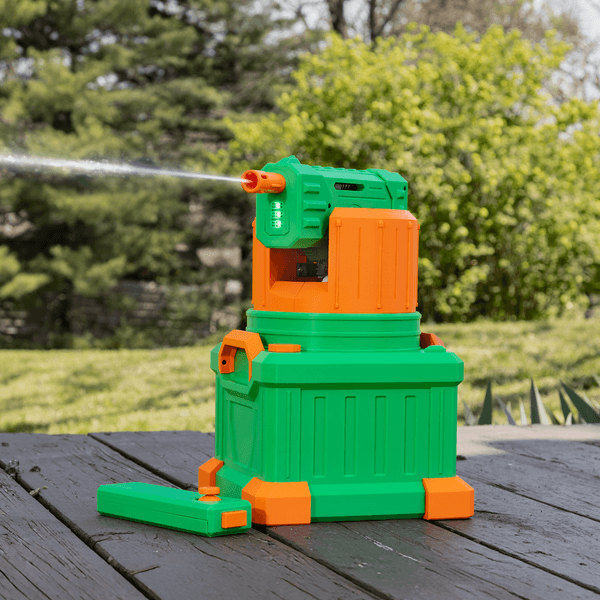
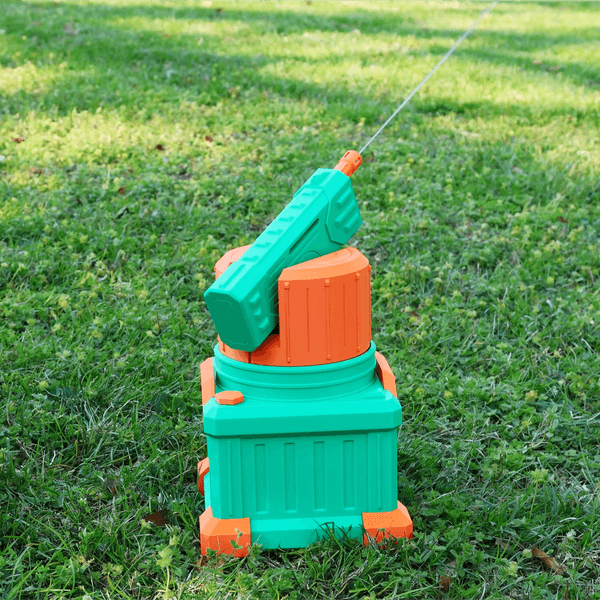
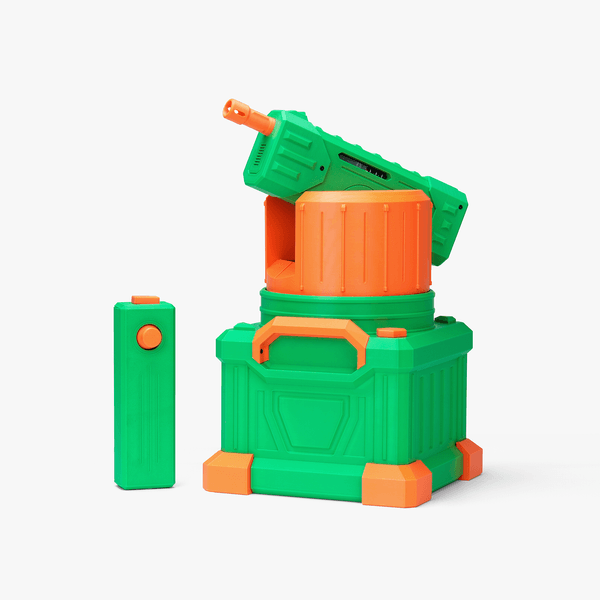


Want to be the MVP of your next outdoor party, backyard water fight, or beach day? The CyberBrick Remote-Controlled Water Turret is your go-to for instant fun. Built with CyberBrick’s innovative modular components, this fully remote-controlled turret delivers nonstop action with 360° continuous rotation, adjustable vertical aiming, and an impressive water range of up to 7.5 meters. Designed for builders and players aged 13 and up, it’s easy to assemble, durable enough for outdoor use, and guaranteed to turn any gathering into a splash-filled highlight that everyone will want a turn with.
Find all files and details on its MakerWorld Page.
*For a smooth build, we recommend reviewing the assembly guide first.
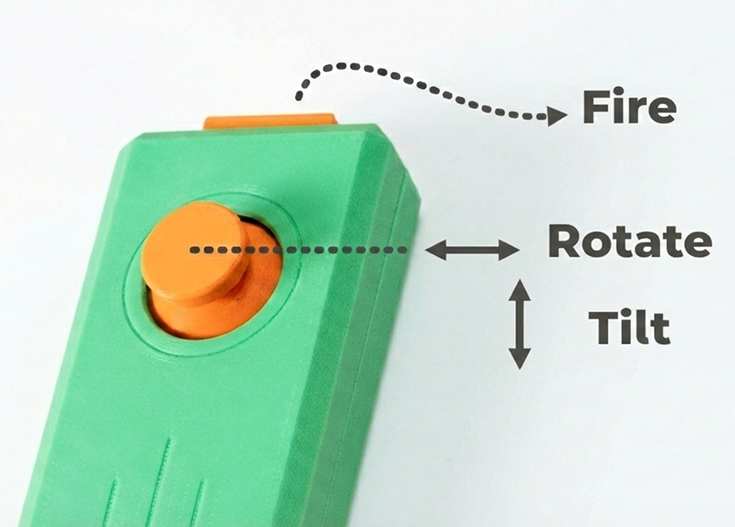
Spin the turret endlessly to cover every angle, and adjust the barrel up and down for precise targeting.
Blast water up to 7.5 meters away, outpacing ordinary water blasters and keeping you competitive even at long distances.
Lights up when you shoot, making every splash feel more exciting and fun to watch.
This built-in tank holds up to 2 liters of water and also acts as a counterbalance for smooth, stable turret movement. Its large capacity and dense print design help ensure reliable performance during extended play.

The Model is designed to work with the CyberBrick Official Remote. Pre-configured settings have been prepared for immediate play,
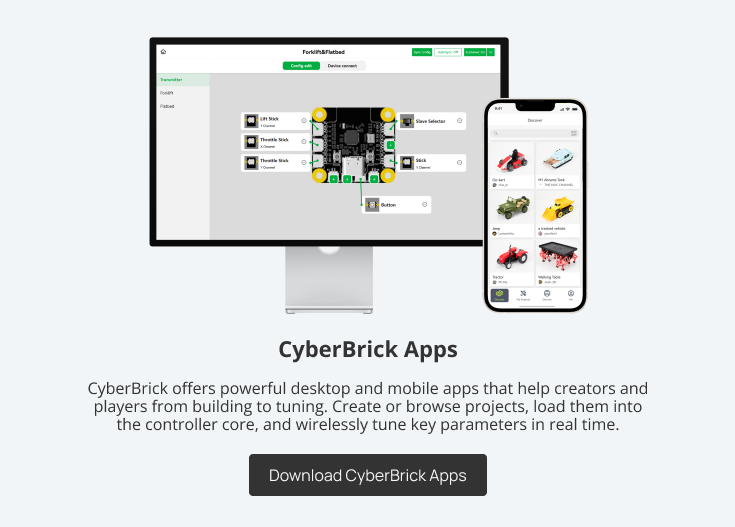
while the CyberBrick App allows full customization of controller functions to match your personal preferences.
* Please visit the CyberBrick Official Standard Remote on Makerworld for more details.
| Item Number | Item Name | Quantity |
| 1 | 1 | |
| 2 | 1 | |
| 3 | 1 | |
| 4 | 1 | |
| 5 | 1 | |
| 6 | 1 | |
| 7 | 1 | |
| 8 | 1 | |
| 9 | 1 |
| Gift Number | Gift Name | Quantity |
| 1 | 1 | |
| 2 | Mini Screw Driver Tools Kit | 1 |
To ensure safety, please read and carefully follow the guidelines below. Minors must be under direct adult supervision when using this product.
Our company is not liable for any equipment damage, failure, fire, or other loss caused by non-compliance with the above requirements.
Please strictly follow the safety instructions for this product.


© 2025 INNOADDI
© 2025 INNOADDI Powered by INNOADDI